Use your invite
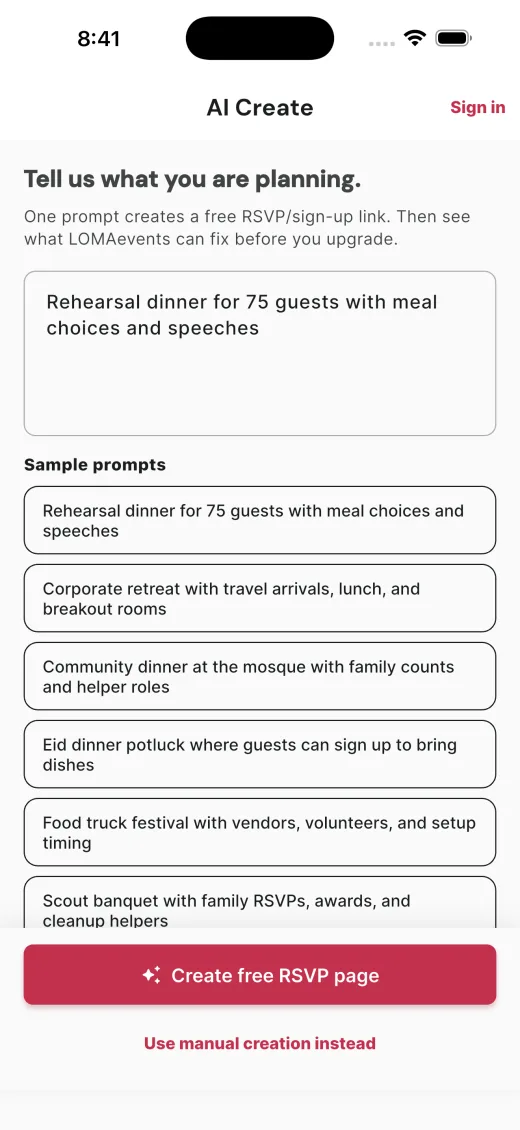
Turn a flyer or prompt into an RSVP page.
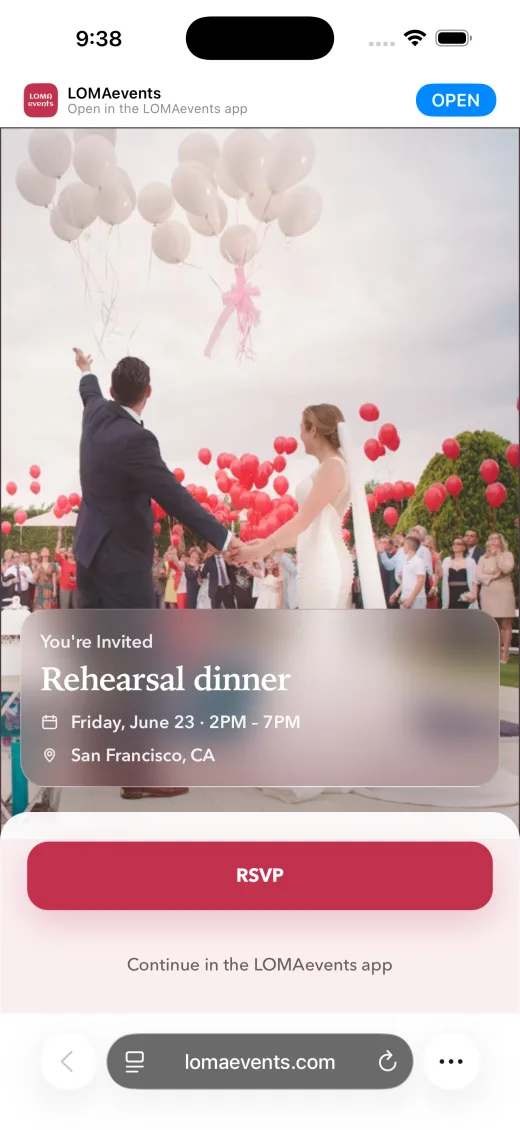
Guests reply in any browser. LOMAevents turns meal choices, allergies, plus-ones, timing, and notes into the locked handoff, roster, or export your event team needs.
No guest app. No spreadsheet. Change-safe handoff.
Guests get the beautiful page. Hosts get the operational proof.
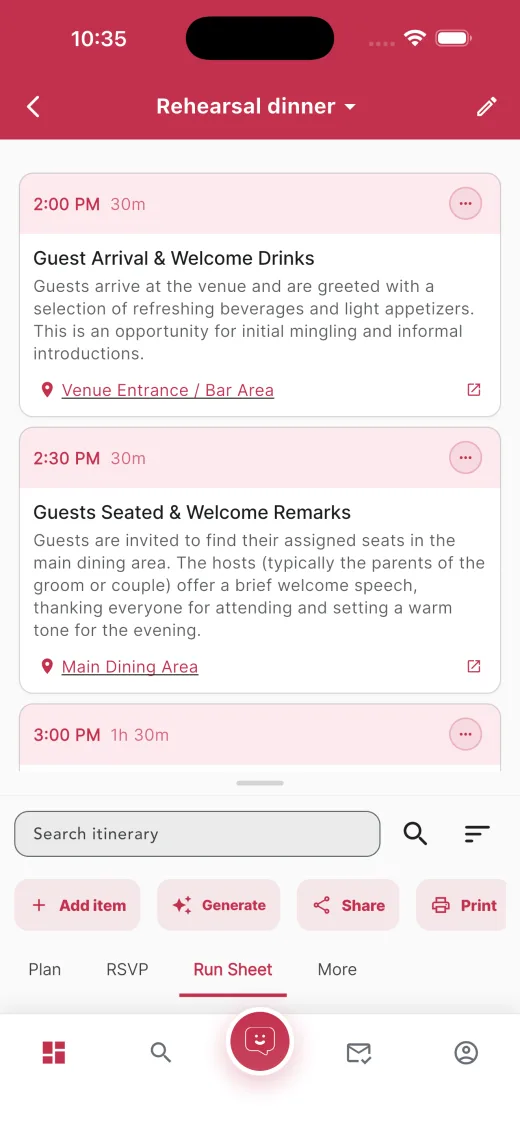
Counts, meals, timing, vendor notes, and day-of timeline.
Preview handoff → Catering / vendorServing counts, allergies, delivery windows, and venue access.
Preview export →PTA nights, potlucks, lunches, and family events can start free, then unlock an Organizer Plan when the setup is worth reusing.
Families, food slots, helper roles, and saved setup for repeat hosts.
Create signup → Church / potluckClaimed dishes, open helper roles, reminders, and saved setup.
See details → Office / cateringMeal choices, dietary notes, reminders, and catering export.
See RSVP → Cultural / familyTraditions, food notes, ceremony handoffs, and owners.
Preview family plan →Collect replies. See what needs attention.
Turn a flyer or prompt into an RSVP page.
No app. No account.
See headcount, notes, meal details, timing, and missing info.
8 RSVPs in. 4 dishes claimed. Dessert still missing.
Your invite, RSVP, notes, plus-ones, and slots in one guest page.
RSVPs, missing details, reminders, exports, and vendor-ready handoffs.
Describe the event once. Get the guest RSVP.
Guests answer from any browser.
Browser replies. Live guest list.
See counts, notes, open roles, and missing details.
Preview handoffs, timelines, and helper lists before paying.
Send counts, timing, contacts, and open questions.
Current store screenshots.
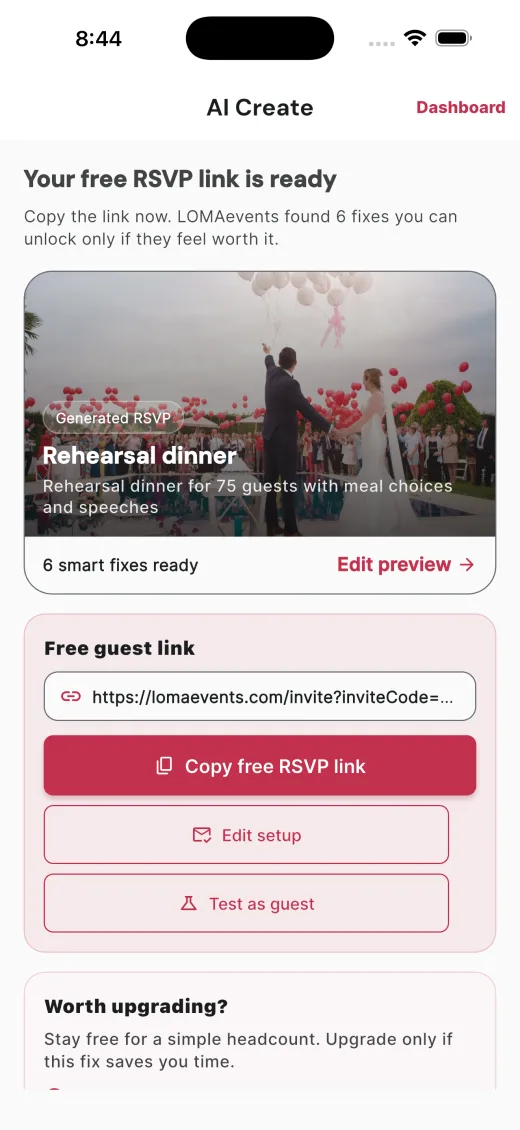
Three steps.
Start from the event details or one sentence.
No app, no account, browser RSVP.
See what vendors or helpers need before you pay.
Start free. Upgrade when the handoff, export, reminders, or printouts are worth using.
Billed through App Store or Google Play. Cancel anytime. See pricing →
Parties, potlucks, weddings, work lunches.
Download free. No card required.
Short guides for better hosting.
Browse All Planning Guides →Useful emails only.
Useful emails only. By subscribing, you agree to our Privacy Policy.